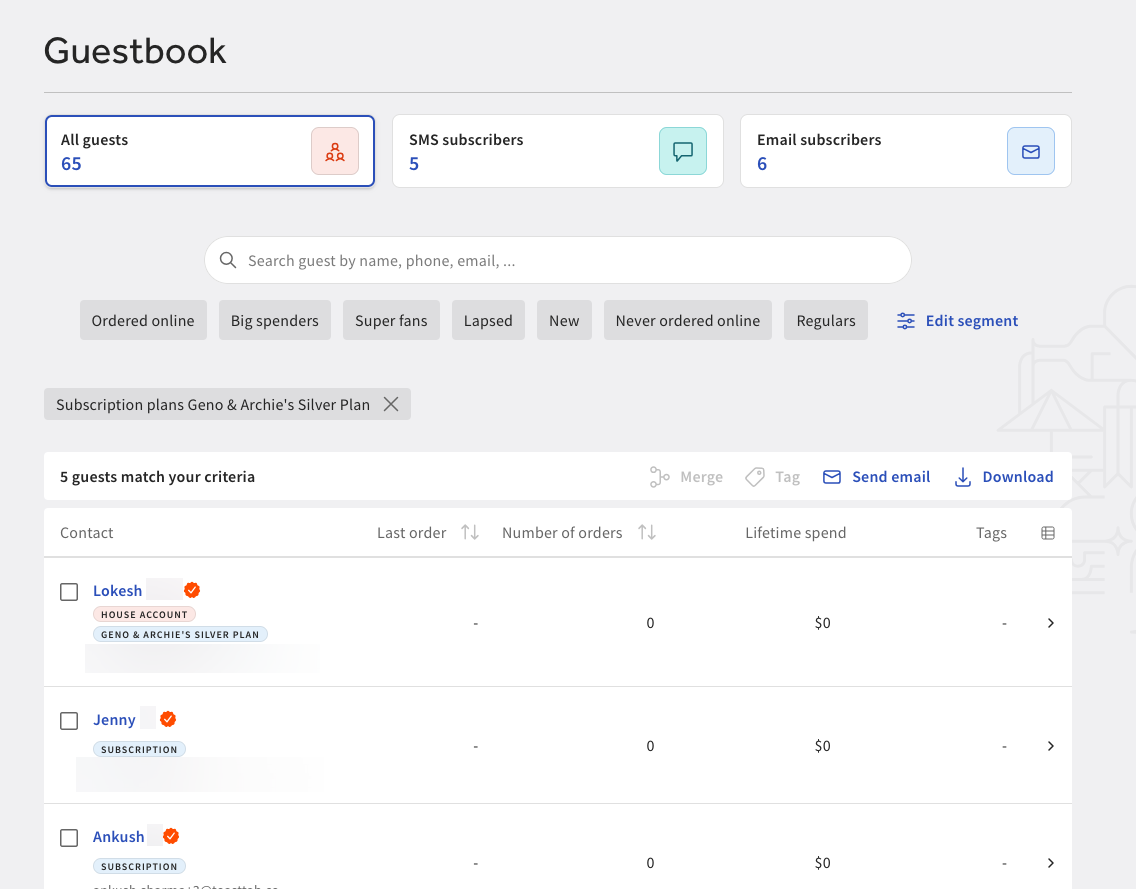
You can access and view subscriber information using the Guestbook feature. Guestbook displays information and data about your guests. For more information, see this Toast Support article.
From the Guestbook page in Toast Web, you can filter guests by subscription plan.
To filter and search guests by subscription plan
-
Go to Guests > Guestbook to open the Guestbook page.
-
On the Guestbook page, select the More filters link to open a pane.
-
In the pane, go to the Subscription plans section and select the arrow to open a dropdown menu.
-
From the dropdown menu, select the subscription plans to filter by. You can choose an unlimited number of subscription plans.
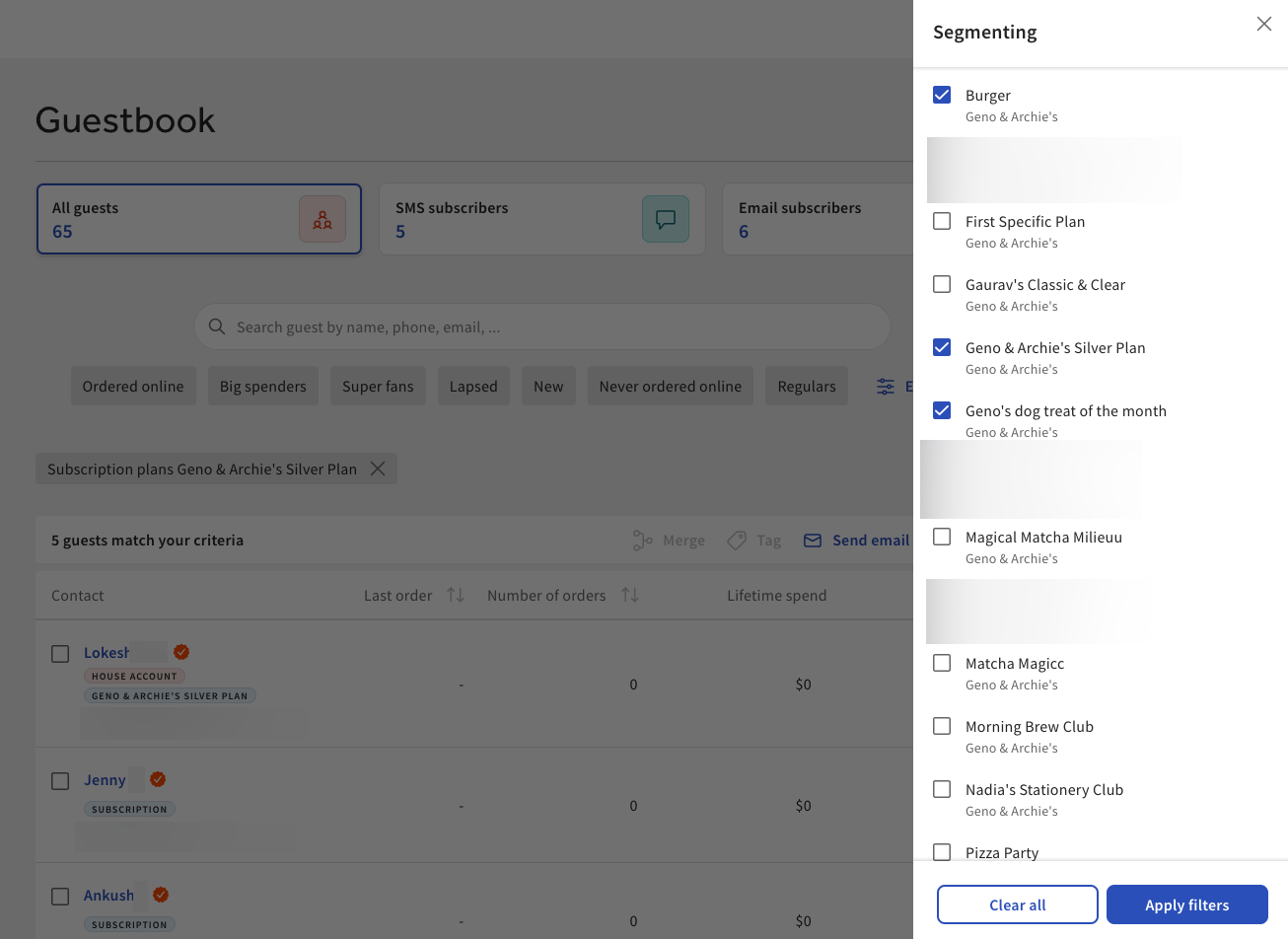
The Guestbook page displays all relevant search results.