Table view is a new way to visualize the list of orders in the payment terminal screen (also known as all checks). You can toggle between the table view layout and the original two-column layout on tablet devices. This does not replace the original layout and you can switch between the two. The new table view provides an order list that is easier to scan and makes the order queue clearer.
|
Note |
|
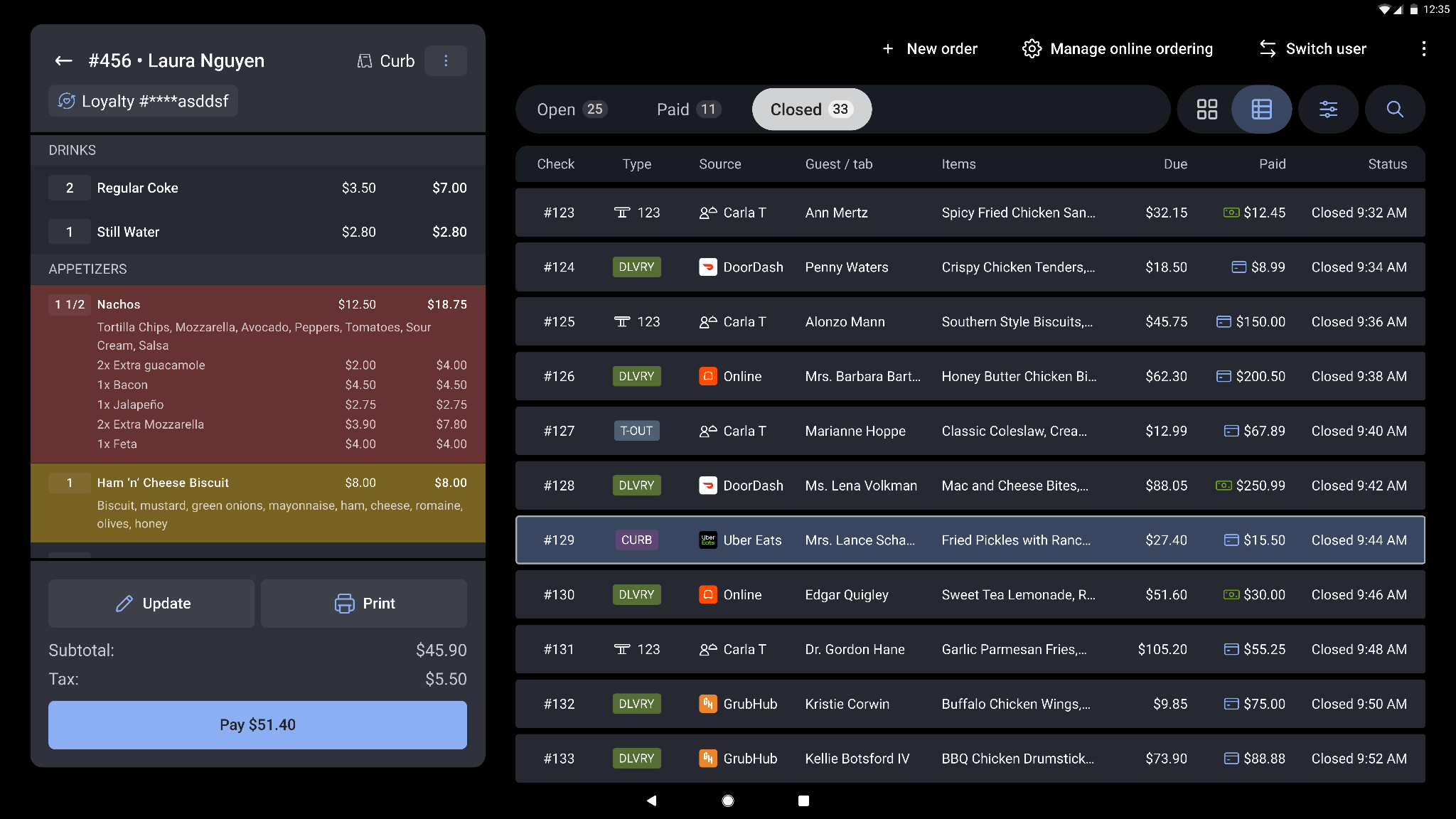
New table view example
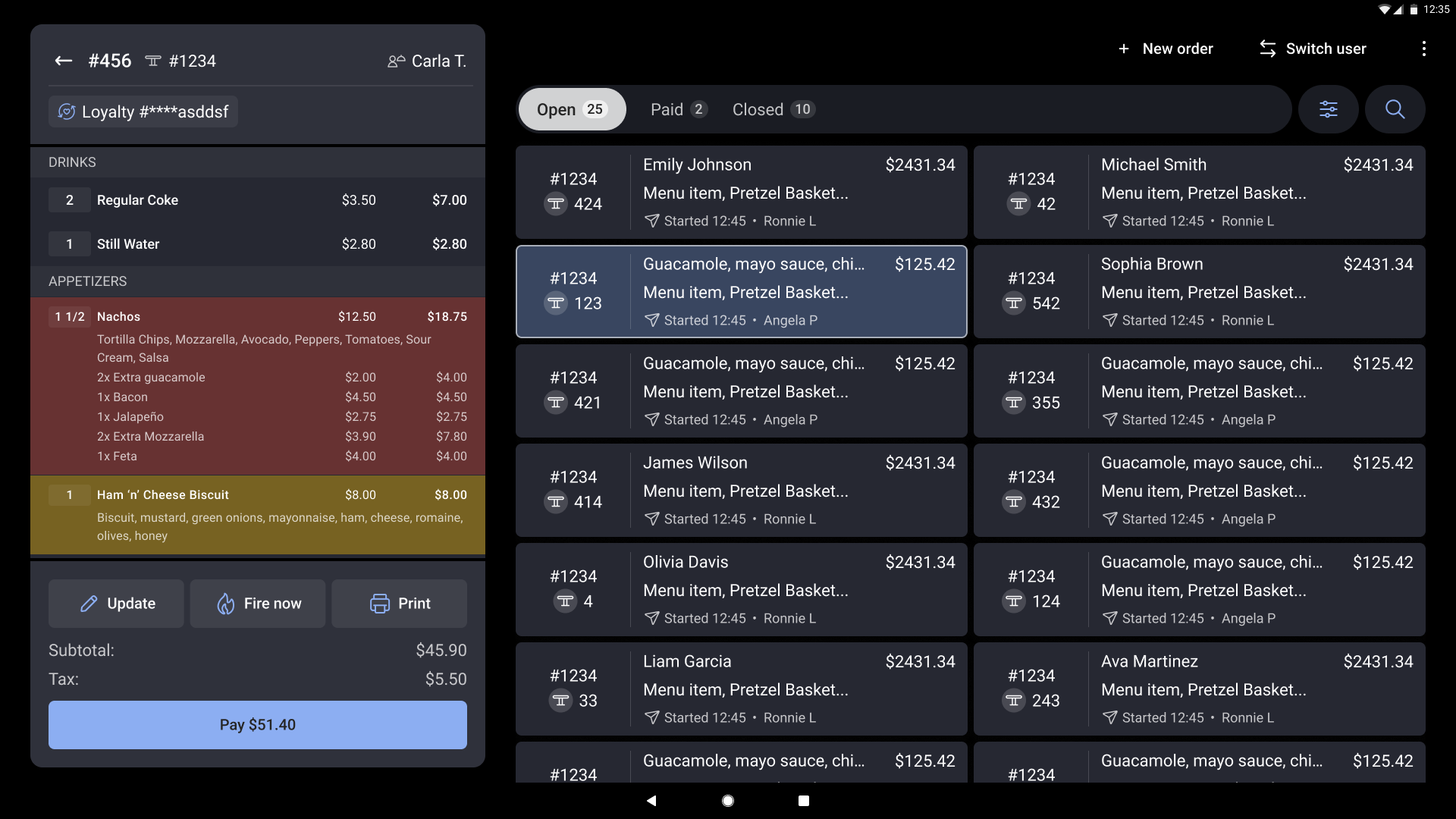
Current two-column layout