Sorting and filtering

Sorting and filtering in table view works the same way that it does in the existing two-column view, by using the filter button next to the search button.

  • Sorting and filters will clear if you toggle between views

  • Additional filter options will be added soon (for example, filter by source)
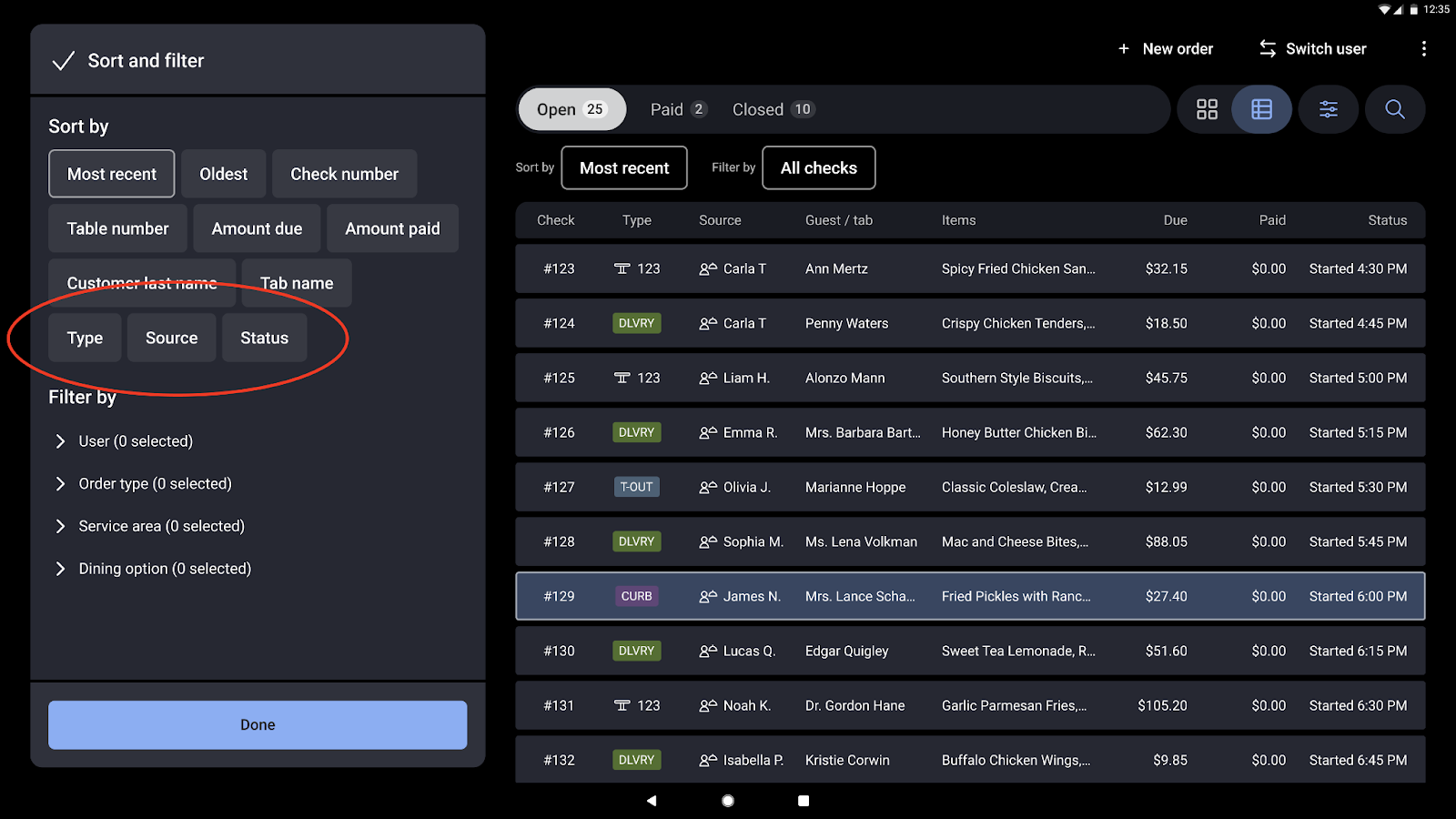
Sorting options

You can now sort by status, type, and source in the table view. These types of data are sorted alphabetically.

Note

You cannot sort by type, source, and status in the two-column view.

Screenshot showing the sort and filter menu with new sorting options.