On your KDS devices, you can sort and filter tickets to manage which tickets appear and in what order. Using the Sort and filter pane, you can:
-
Sort by fire time or when a ticket is due.
-
Group tickets fulfilled at the prep station level first on expediter KDS devices (also applies to tickets filled at the expediter level if you are showing fulfilled tickets), and choose to sort them by fulfilled time or by fire time.
-
Filter by order due time, dining option, and course, and choose whether the filters apply only to KDS tickets and all day view, or also to production item counts.

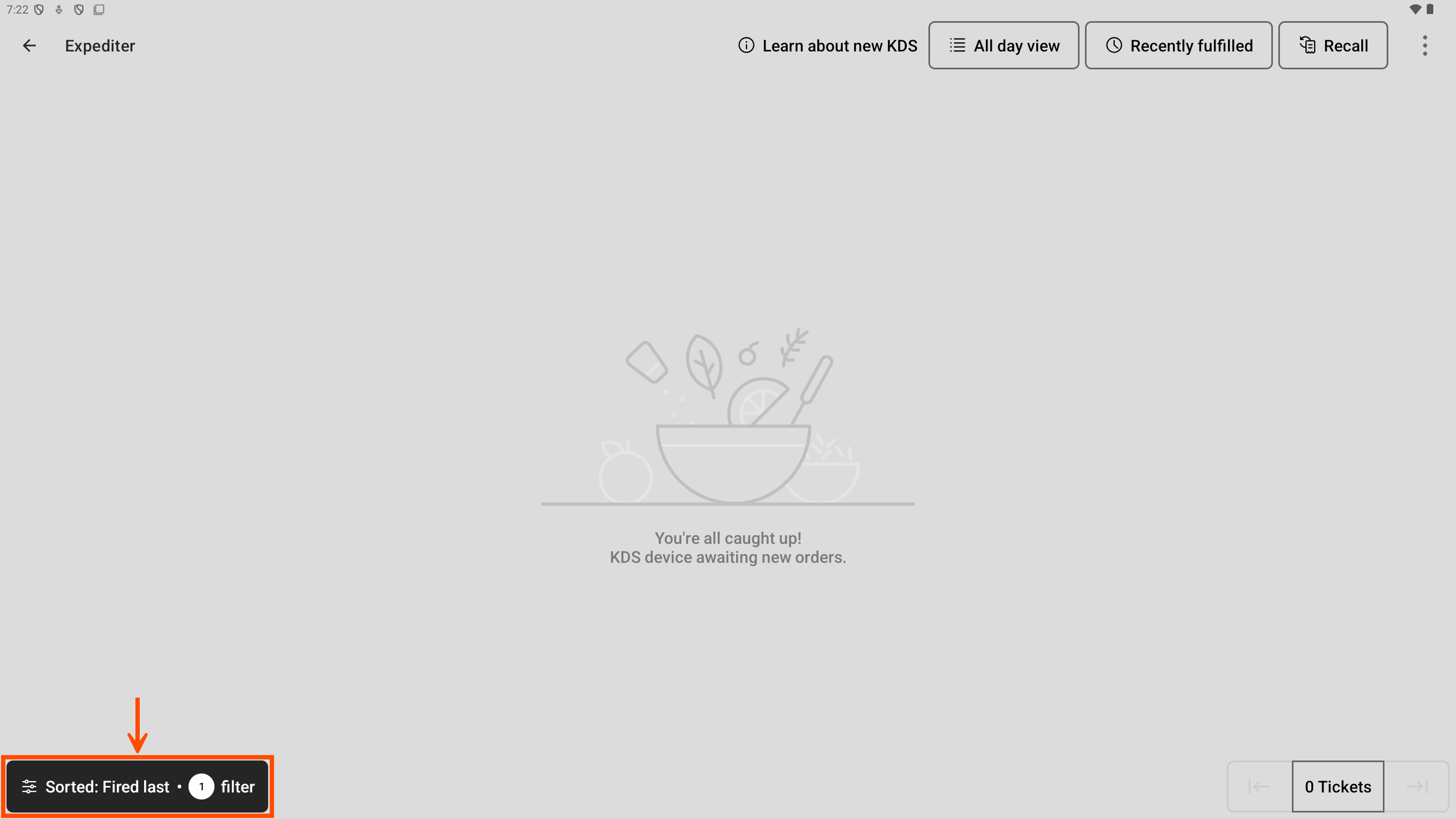
When you open the Sort and filter pane, there are three categories to choose from: Sort by, Fulfilled ticket behavior, and Filters. When you apply a sort or filter option, the Sort and filter button on the bottom left updates to indicate that sorting or filtering is applied.
|
Note |
|
If the only option applied is the Sort by category to Fired first or the Fulfilled ticket behavior category for expediter KDS devices, the Sort and filter button appears as if no sorting or filtering is applied. |
Here is an example of the Sort and filter button showing applied filters.