|
Note |
|
For information on how to support Google Pay in your integration's WebView, see Using Android WebView and Support Android payment apps in WebView using Payment Request API. |
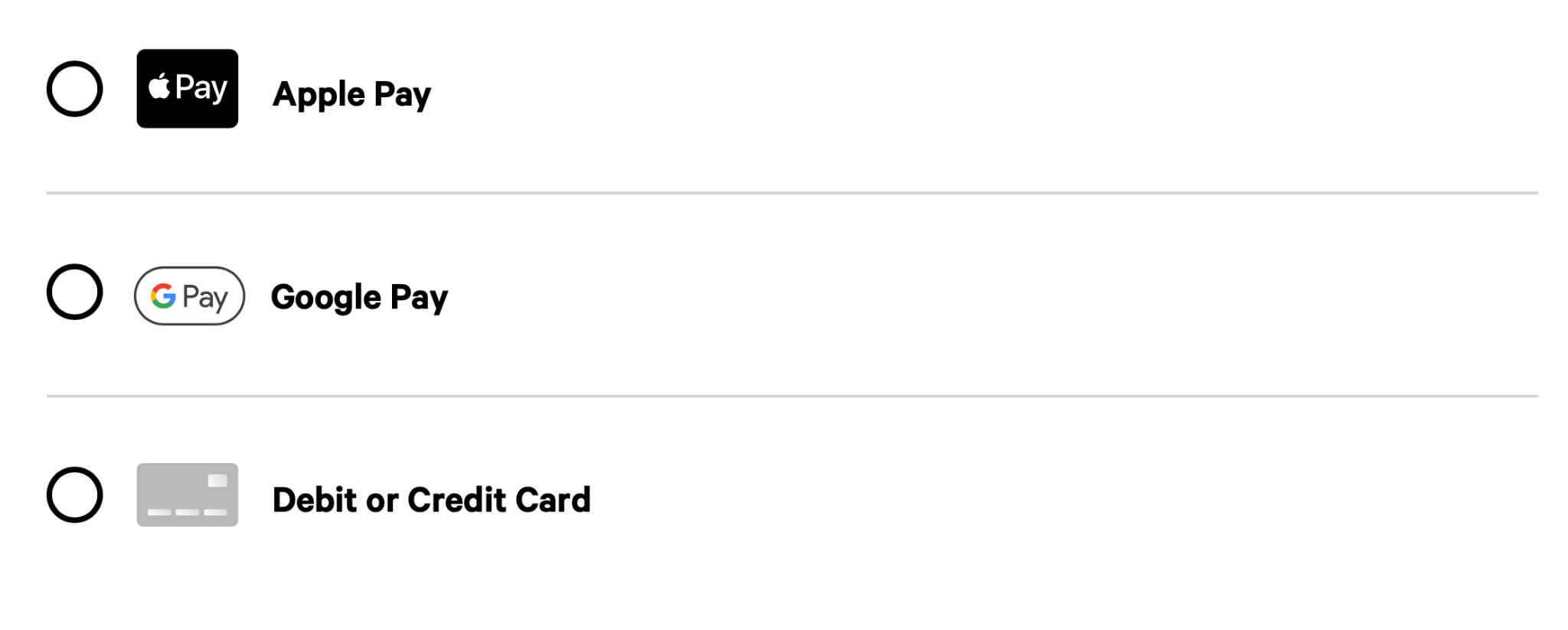
You can allow customers to use Google
Pay® as a payment method using the payments APIs. Unlike Apple
Pay, Google Pay does not require individual domain registration and is
automatically enabled for you if you choose to use the hosted checkout
integration APIs to initialize and display the iframe on your
checkout page.
You can turn Google Pay on or off in the Toast developer portal. For more information, see Managing payment method configurations.