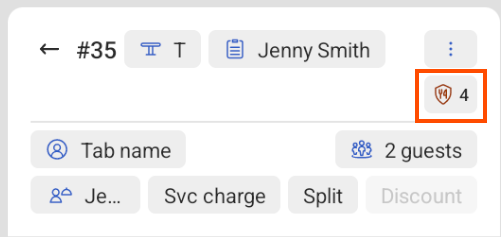
If you have configured guest allergens for Toast Tables reservations, you can view a guest’s reservation details and any applicable allergens on the Table Service screen on a Toast POS device.
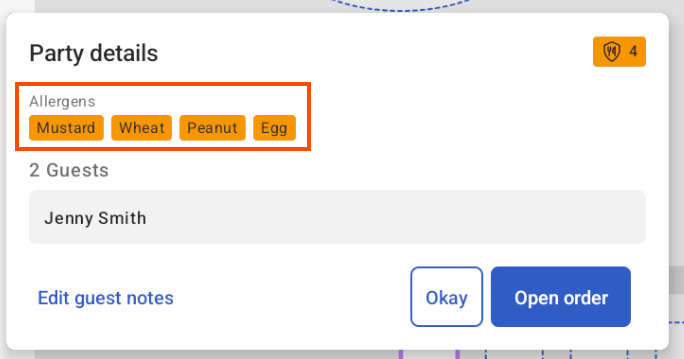
You can view guest allergens on the Table Service screen on a Toast POS device. To view guest allergens, select the table to open the Party details dialog. The Party details dialog displays the following information:
-
An allergens icon and the number of allergens
-
A list of applicable allergens
-
The number of guests
-
The name of the guest who made the reservation
-
A link to edit guest notes
If you select the Open order button, this opens the Quick Order screen. The Quick Order screen displays an allergens icon with the number of allergens next to it. Select the allergens icon to open the Party details dialog.